TONIGHT’S EVIDENCE PLAN
A North Pole mission is ready
Your elf will appear in the chosen room without changing anything that is already there.
Room Preservation Lock
Every recognizable object stays exactly where it is.
✦✦✦Step into the North Pole
Opening Elf Evidence…
Reload app
YOUR NORTH POLE
A little magic is on its way. Check back for your elf’s next adventure.
PARENT MODE
Choose the fastest rescue or create a complete overnight story.
WELCOME, PARENTS
Save your elf, your children, and a photo of your home. We’ll remember them for next time.
Three new pictures in one of your saved rooms each night, even with your phone closed. Choose spots that stay the same, like a mantel or Christmas tree. Three rooms are recommended for variety; one is enough to start.
Loading your saved schedule…
Automatic pictures may contain mistakes. Review your family's results regularly. You can hide an adventure from Parent Access.
Uses your available photo allowance: three pictures per night. Changing family photos pauses automatic nights until you save these choices again. Pausing stops new requests; a request already creating pictures may finish.
Both paths keep your real room intact. Choose the lighting for tonight.
Family setup and pictures are saved to your account and this device. Room and elf photos are sent to OpenAI to check the scene and create pictures. Keep people and personal details out of uploaded photos and scene ideas.
Delete your account and family data permanently. This removes saved family setup, room and elf photos, generated pictures, notes and automatic nights. Save any pictures you want to keep first. This cannot be undone.
This phone’s saved copy will also be cleared. Downloaded pictures and offline copies on other devices must be removed separately. Deletion does not automatically issue a purchase refund.
PARENT MODE
Four quick choices. Your child never sees this part.
1 OF 4 • YOUR ELVES
Select one or several elves for tonight. The first selected elf signs the note.
2 OF 4 • YOUR CHILDREN
A nickname works; leave out surnames. Age is optional. These details are saved to your account and this device for your family’s messages.
Select one child, several children, or everyone for tonight’s message.
3 OF 4 • LOCATION
Cookies on the counter? An open cookie jar? Step back enough to show the scene and room for your elves at their real size. Include the surrounding surface instead of a tight close-up. This photo is for this adventure, separate from your saved nightly rooms.
Scene ideas are sent to OpenAI to create the picture. Describe the elf’s action without children’s names or other personal details.
We’ll use your idea where it fits the real scene, keeping the objects, surroundings, and your elf’s appearance. You review the picture before Kid View.
Choose an unchanged spot below when you want a quick adventure without a new photo.
Don’t clean up. Real life makes better evidence.
4 OF 4 • PERSONALIZED MISSIONS
Magic changes the elf’s actions, not your room. Turn this off to use the room’s saved pose.
Three ideas chosen for your elf’s personality.
ORIGINAL ELF CREATOR
LIVE ELF PREVIEW
A new North Pole friend1 OF 4 • NAME
No gender needed. The choices you make will create the elf’s identity.
2 OF 4 • SIGNATURE HAT
Colors do more than change the outfit. Each one quietly shapes how the elf behaves.
3 OF 4 • OUTFIT DETAIL
Hat and outfit are independent—mix any color with any special piece.
4 OF 4 • PERSONALITY
Your outfit choices add a hidden spark of their own.
YOUR ELF’S STORY SPARK
The Midnight CollectorQuietly investigates unusual objects and turns the smallest discoveries into treasure.
PRIVATE ELF SETUP
Photograph the toy elf without people, family photos, mail, screens or identifying details in the background. Uploaded elf photos are used by OpenAI to create pictures.
1 OF 5 • INTRODUCTION
Three photos, one elf profile
Add a front view, a side view and a size reference. All three stay saved under this elf’s name. Use bright light and keep the whole elf in the frame.
2 OF 5 • FRONT VIEW
Keep the whole elf inside the frame.
3 OF 5 • SIDE VIEW
Turn this elf to show the side of its face, hat and outfit.
4 OF 5 • SIZE REFERENCE
Place this elf beside a ruler, with the whole elf and ruler visible.
This photo helps keep this elf’s size and proportions believable.
5 OF 5 • PRIVATE REVIEW
Elf Evidence is an independent service and is not affiliated with or endorsed by any elf brand or manufacturer.
PRIVATE ROOM SETUP
1 OF 3 • ROOM PHOTO
Step back and include space around the scene for your elves at their real size. For a doorknob, show more of the door and space below it; for sitting, include a broad surface. Take a new photo or choose one already on your phone. You’ll return here to name and save the room. If Parent Access times out, unlock it to continue with your photo.
Use a scene without people. Keep children, family photos, mail, screens and addresses out of the frame. This photo is sent to OpenAI to check the scene and create your elf pictures.
Measuring the photo before any evidence is generated.
✓ Checked on this device. No AI generation used.
Don’t clean up or move anything. Real details make stronger evidence.
2 OF 3 • EXACT PLACEMENT
Tap the exact spot in the photo where the elf should appear.
No spot chosen yet
We’ll handle the pose
Elf Evidence will choose the most natural support, pose, scale, and shadows without moving anything.
What should support the elf?
How should the elf pose?
How large should the elf look?
Tap the spot. We handle the magic.
The real room stays untouched. Only the elf and its glow are added.
3 OF 3 • PRESERVATION RULE
Choose an exact position.
How reliable is this view?
Only the elf, its natural shadow, and your selected lighting treatment may be added. No notes, clues, props, or room objects will be created or moved.
FINAL PARENT CHECK
See exactly what will be created before any generation begins.
TONIGHT’S EVIDENCE PLAN
Your elf will appear in the chosen room without changing anything that is already there.
Room Preservation Lock
Every recognizable object stays exactly where it is.
Tap the actual handle or doorknob in your saved photo. The elf’s hands will grip that spot, with its body hanging below.
Choose the handle or knob first.
Keep the empty room as your location photo. Add the photo with the elf hanging here to guide its arms and legs.
The elf uses an open spot. Every real object remains exactly where it appears in the original photo.
Keep the uploaded room lighting unchanged and match the elf to it.
No room changes • Original Light
No image generation is used until you press the button below.
NORTH POLE NETWORK
Building Curious Inspection for your elf
✓ Matching your kitchen
• Finding the elf
• Applying the selected lighting
These photos did not pass the checks and cannot open in Kid View. These previews stay on this page only.
Creating and checking your photos can take several minutes. Keep this page open.
NORTH POLE QUALITY CONTROL
Nothing reaches Parent Review until it matches the approved references.
Targeted correction only
If one check fails, only that detail receives one automatic retry.
Each finished image is checked against the original room and elf. One targeted correction runs automatically when needed.
PRIVATE PARENT REVIEW
Check everything before handing the phone to Charlie.
A personality-matched adventure in the kitchen.
Each tone has 30 ready-made notes. Leave this blank to choose one, or add a suggestion for a custom note written with OpenAI. Only the finished note appears in Kid View; leave out personal details.
Choose a tone for 30 ready-made notes, or add a suggestion for a custom note.
Delivered digitally in Kid Mode—nothing new has to appear in the real room.


✓ Saved elf identity checked
✓ Real room details checked
✓ Original room lighting preserved
Saved and shared copies include our globe logo and Elf Evidence name. Preview your copy below. Your in-app pictures stay unchanged.
Check the picture for people or private details before sharing. Only the selected photo is sent. We do not attach profile names, notes or private album links.
Choose Facebook if it appears in your phone’s sharing menu. Otherwise save the photo and upload it in Facebook yourself. Nothing is posted automatically.
Share our public Elf Evidence page. No personal access code, child’s name, note, or room photos are included. Testing is currently invitation-only.
Support receives the problem category, report reference, and your account email. Your written description stays in the app for up to 90 days and is removed sooner if you delete your account. Do not include children’s names or other private details. Photos are not emailed. Reporting does not change or recreate the pictures.
NORTH POLE NETWORK
⌂ Activity detected in the kitchen, Charlie
A North Pole transmission
KITCHEN • CASE 001
Swipe either way or use the buttons
ONE MORE TRANSMISSION
Dear Charlie,
I found something very curious while everyone was asleep. You’ll have to look closely at the evidence to see what happened!
Until tonight,
Your North Pole Elf
CASE COMPLETE
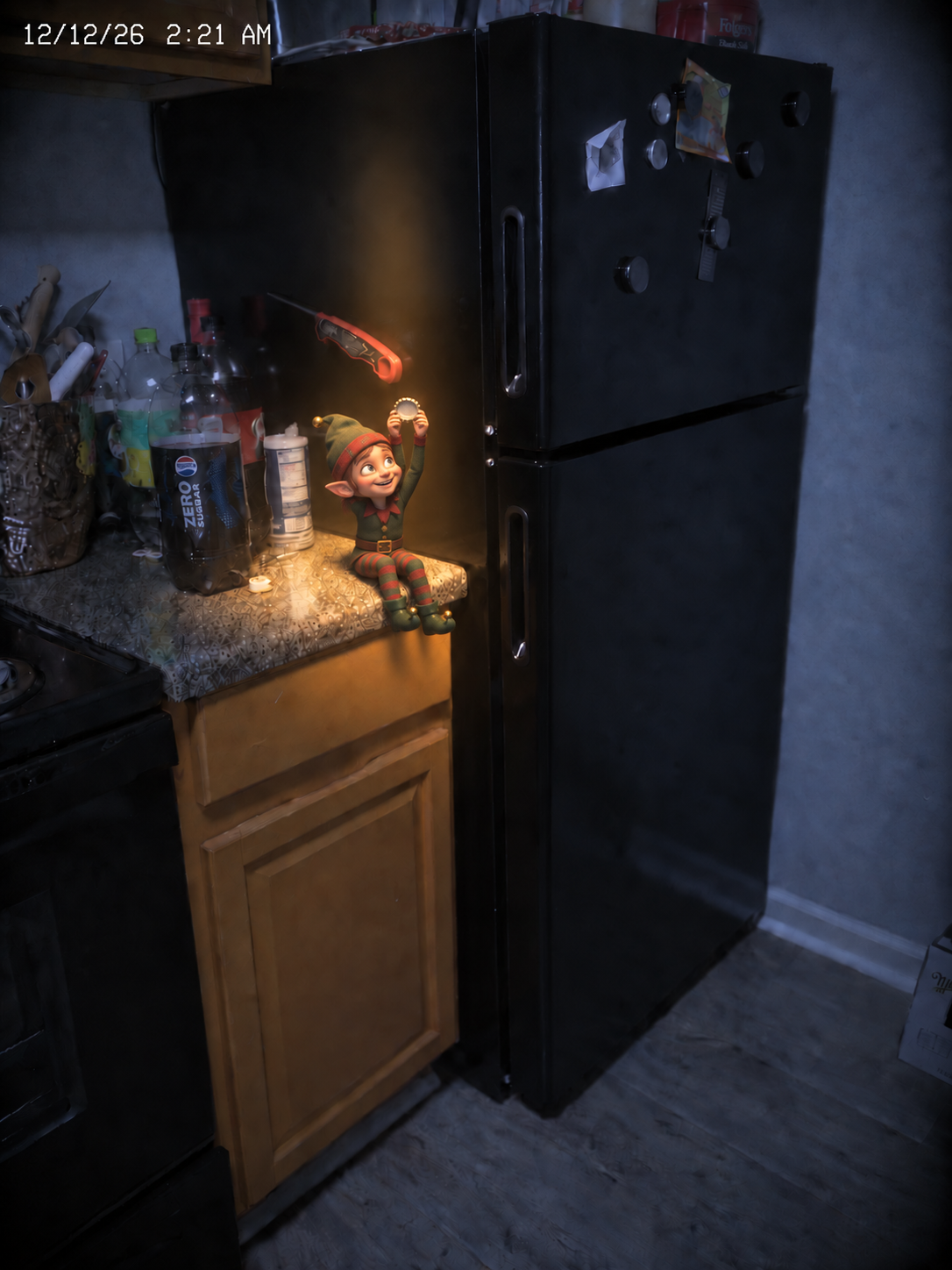
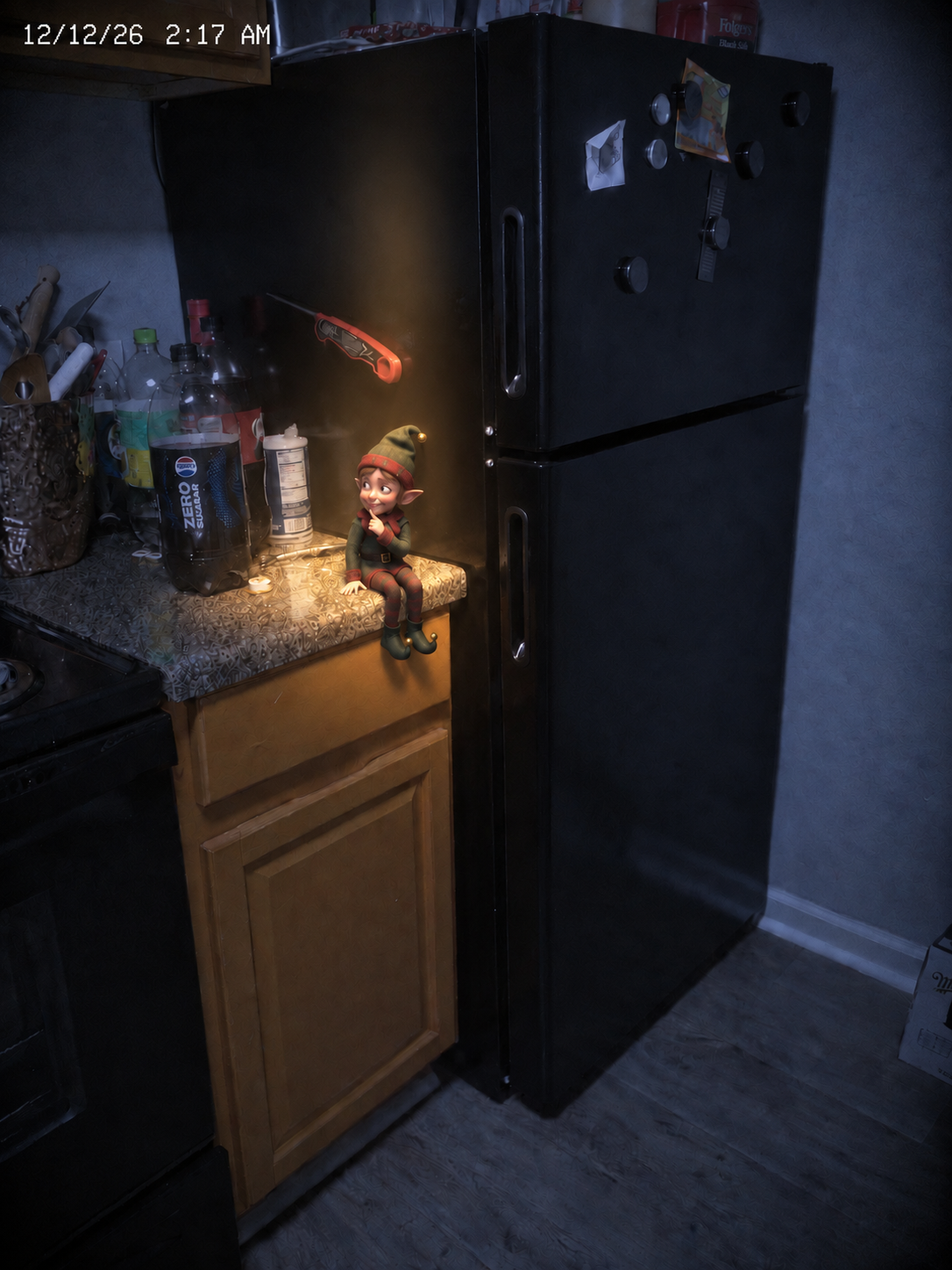
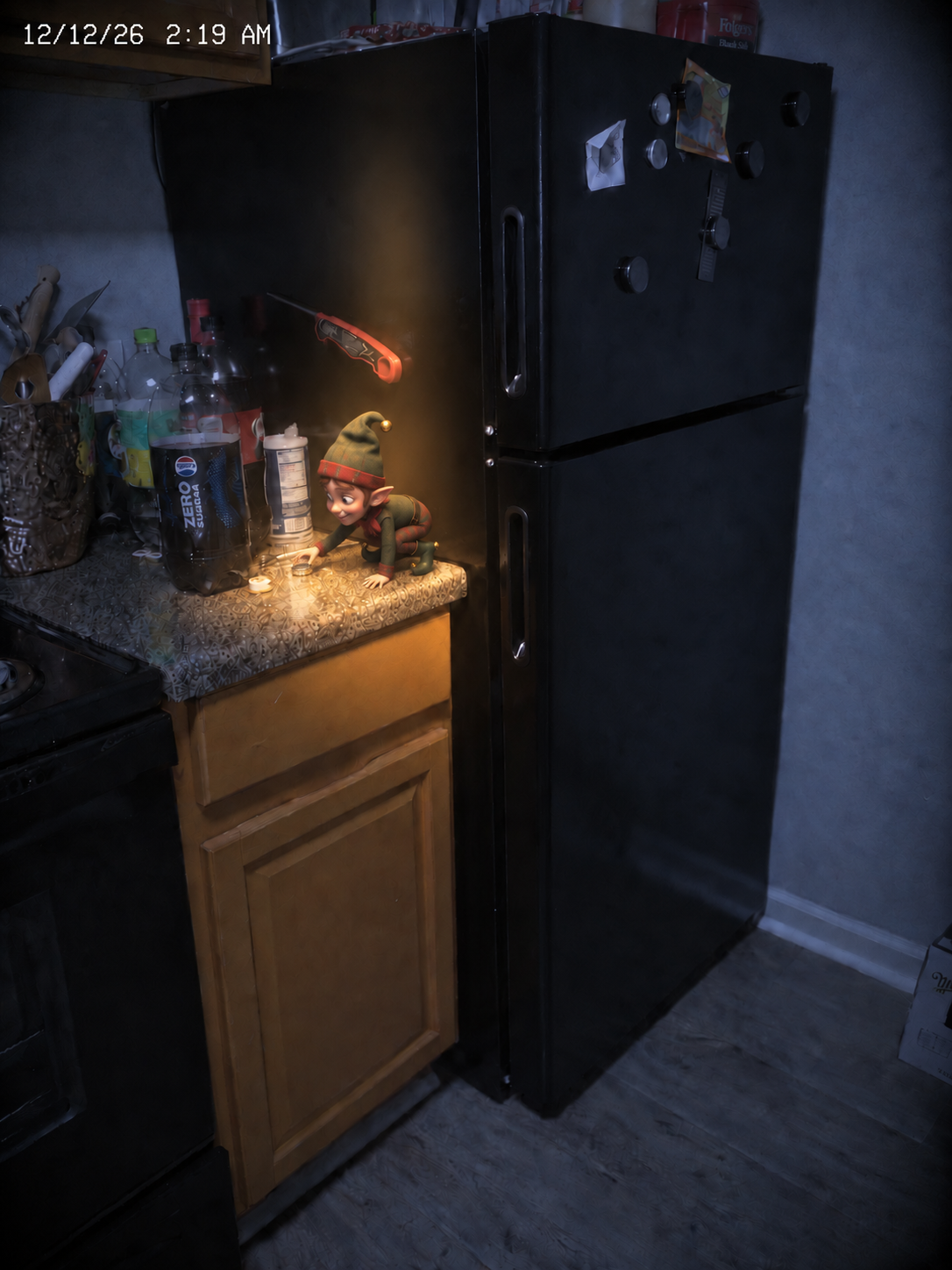
Three pictures captured in the kitchen between 2:17 and 2:21 AM.
Until the next North Pole transmission…
PARENT MODE
OUR NORTH POLE ALBUM
Your saved photos and messages
Every little adventure, kept together.